This example showcases an enterprise upsell card built with @flows/react, designed for SaaS products with free and paid tiers. In-page promotion is one of the most effective channels for driving free-to-paid conversion - especially compared to email outreach. The card strikes the balance between being informative and non-intrusive, meeting users at the right moment when they are most likely to upgrade.
When to use
- When users on a free or lower-tier plan hit a feature that requires an enterprise plan - surfacing the upsell at the point of friction.
- To drive free-to-paid conversion without interrupting the user experience with a modal or redirect.
- For plan gating - showing relevant upgrade prompts only to users who haven't yet upgraded.
- As part of a product-led growth (PLG) motion, letting the product sell the upgrade rather than relying on sales outreach.
Why it works
- Contextual targeting: the card only appears for users who don’t have an enterprise plan, so the message is always relevant.
- In-page placement: the upsell is embedded in the UI rather than delivered as a modal or email, so it doesn’t interrupt the user’s workflow.
- Dismissible: users can close the card if they’re not interested, reducing friction and keeping the experience respectful.
- Workflow-controlled: Flows manages who sees the card and when, so the upsell stays relevant as users’ plan status changes.
How the enterprise upsell card works
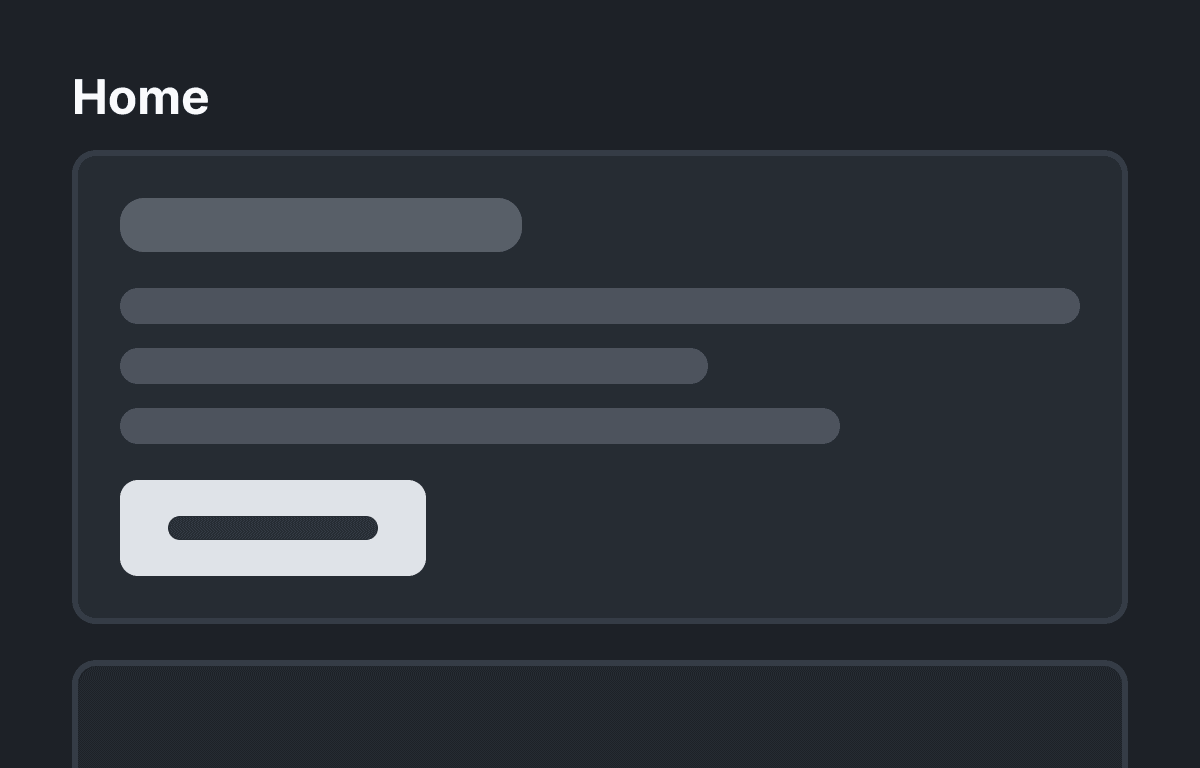
When a user without an enterprise plan visits the page, they will see a card promoting the upgrade - embedded in the page so it doesn’t block their workflow. The card’s buttons let the user upgrade, learn more, or dismiss it altogether.
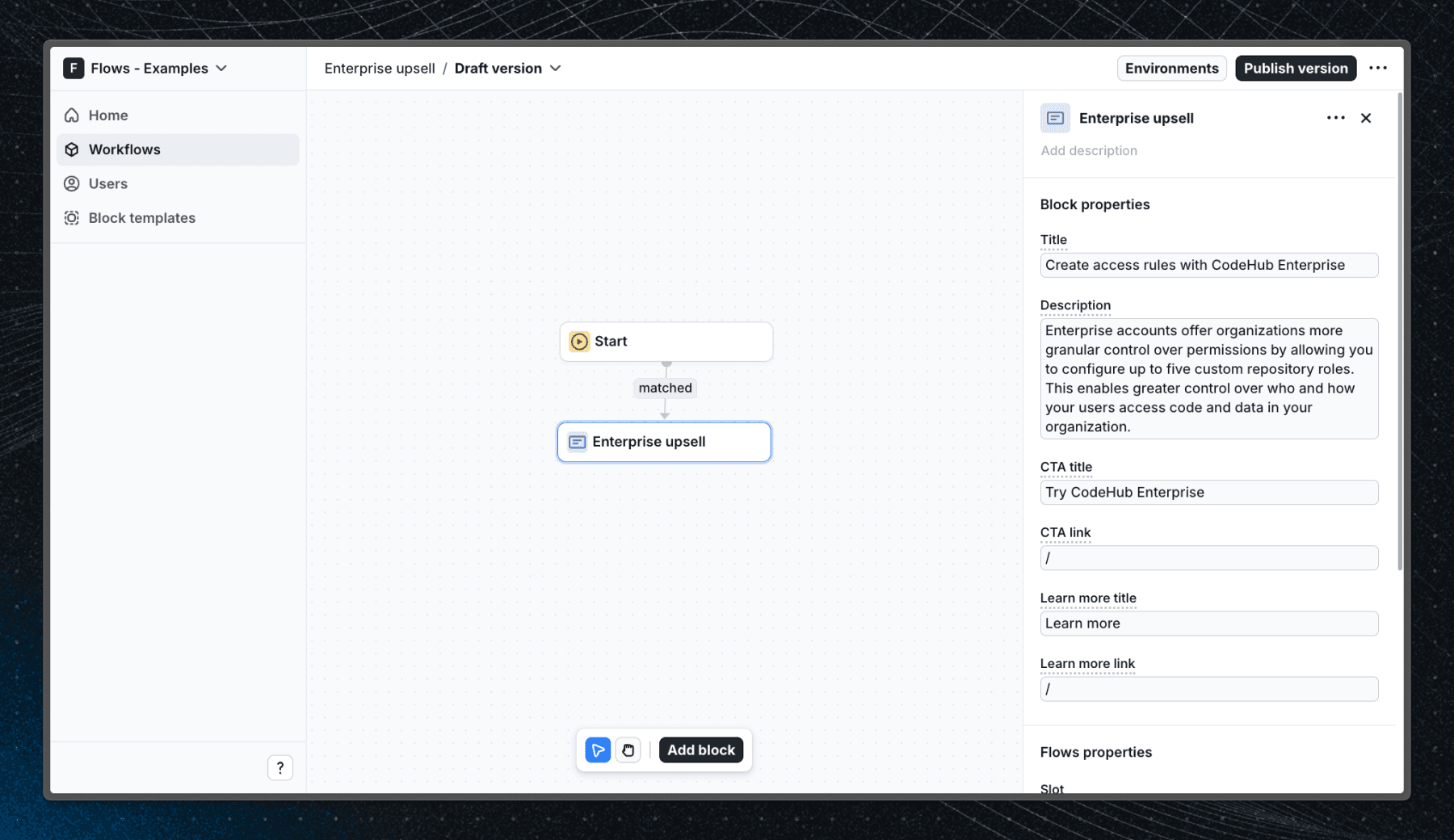
Below is a screenshot of how the workflow is set up in Flows:
Getting started
- Sign up for Flows if you haven’t already. You can create a free account here.
- Clone the repository from GitHub and install the required dependencies in the project directory.
- Add your organization ID in the providers.tsx file.
- Create a new component in your organization with the following configuration:
- UI component: EnterpriseUpsell
- Slottable: true
- Custom properties:
- Title
- Description
- CTA title
- CTA link
- Learn more title
- Learn more link
- Exit nodes:
- continue
- close
- Recreate the workflow in your organization and publish it.
- Run the development server with pnpm dev.
Learn more
To learn more about Flows take a look at the following resources:
Framework
Next.js
Tags
Explore more examples
Build anything with Flows
Build the product adoption experiences you've always wanted.